
Getting Started with Brandback Klaviyo Integration
.png)
Overview
The Brandback Klaviyo integration automatically syncs marketplace transactions to your Klaviyo account. This enables you to create targeted email campaigns for buyers and sellers separately.
Setup
Step 1: Connect Your Account
- Log in to your Brandback dashboard
- Navigate to Integrations → Klaviyo
- Click Connect to Klaviyo
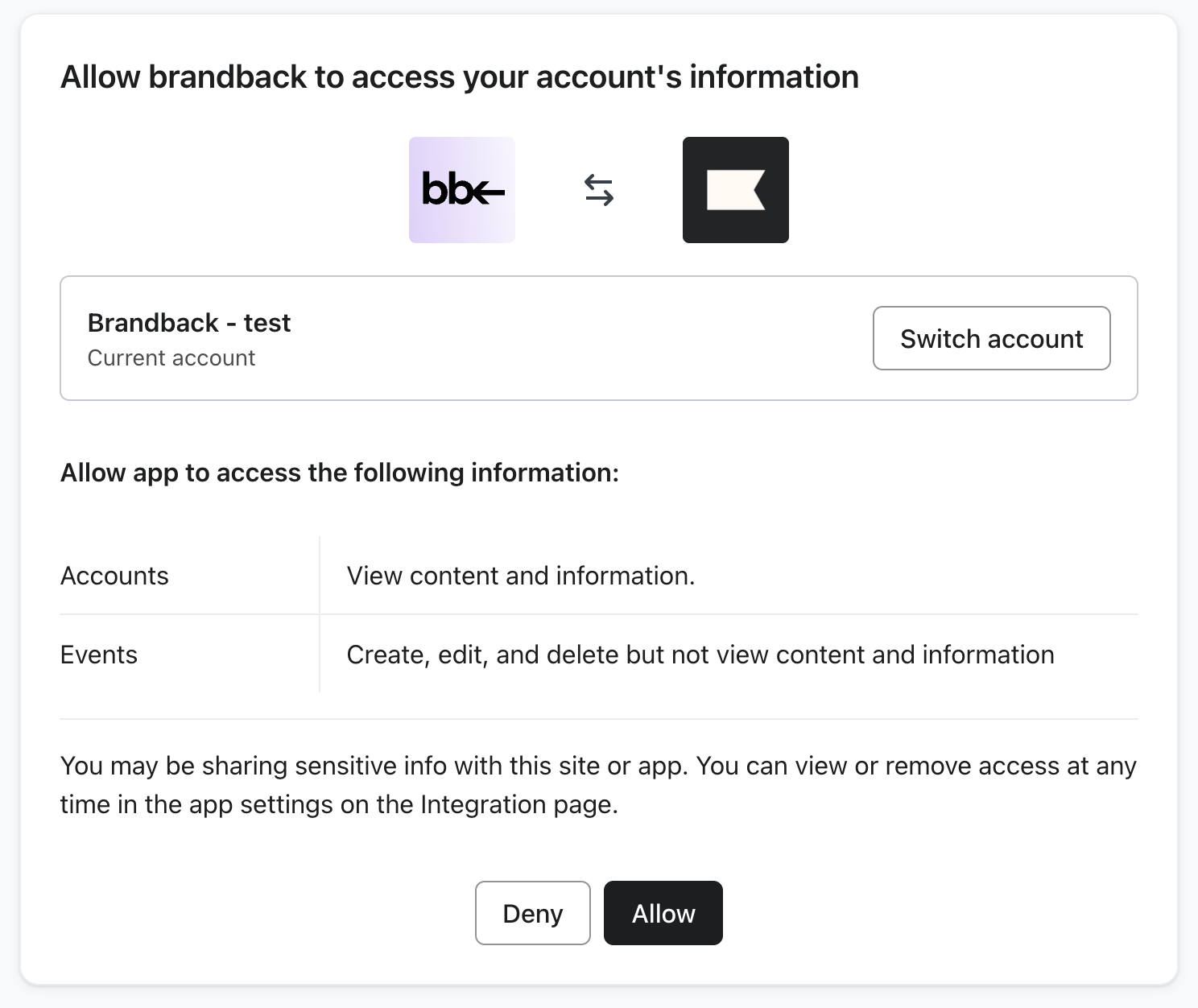
- Authorize Brandback to access your Klaviyo account
- You'll be redirected back to your dashboard once connected
Step 2: Verify Connection
After connecting, the integration syncs automatically every hour. Your first events will appear in Klaviyo within 1-2 hours.
What Gets Synced
Events
Two event types are created for each marketplace transaction:
Brandback Item Purchased
- Sent to the buyer's profile
- Includes transaction value and currency
- Sets profile property:
IsBrandbackBuyer: true
Brandback Item Sold
- Sent to the seller's profile
- Includes transaction value and currency
- Sets profile property:
IsBrandbackSeller: true
Only users who opted in to marketing communications will have events synced to Klaviyo.
Second-Hand Value Tracking
Each event includes value and valueCurrency fields. Use these in Klaviyo to:
- Track revenue from Brandback transactions
- Create segments based on purchase amount
- Show dynamic content with order values
Troubleshooting
Events not appearing in Klaviyo?
- Verify the integration is connected in your Brandback dashboard
- Check that users have granted marketing consent
- Wait up to 2 hours for the first sync
Missing some users?
- Only users with marketing consent enabled receive events
- Check consent settings in your Brandback marketplace
Need to disconnect?
- Go to Integrations in your Brandback dashboard
- Click Disconnect next to Klaviyo
- This stops all future syncing
